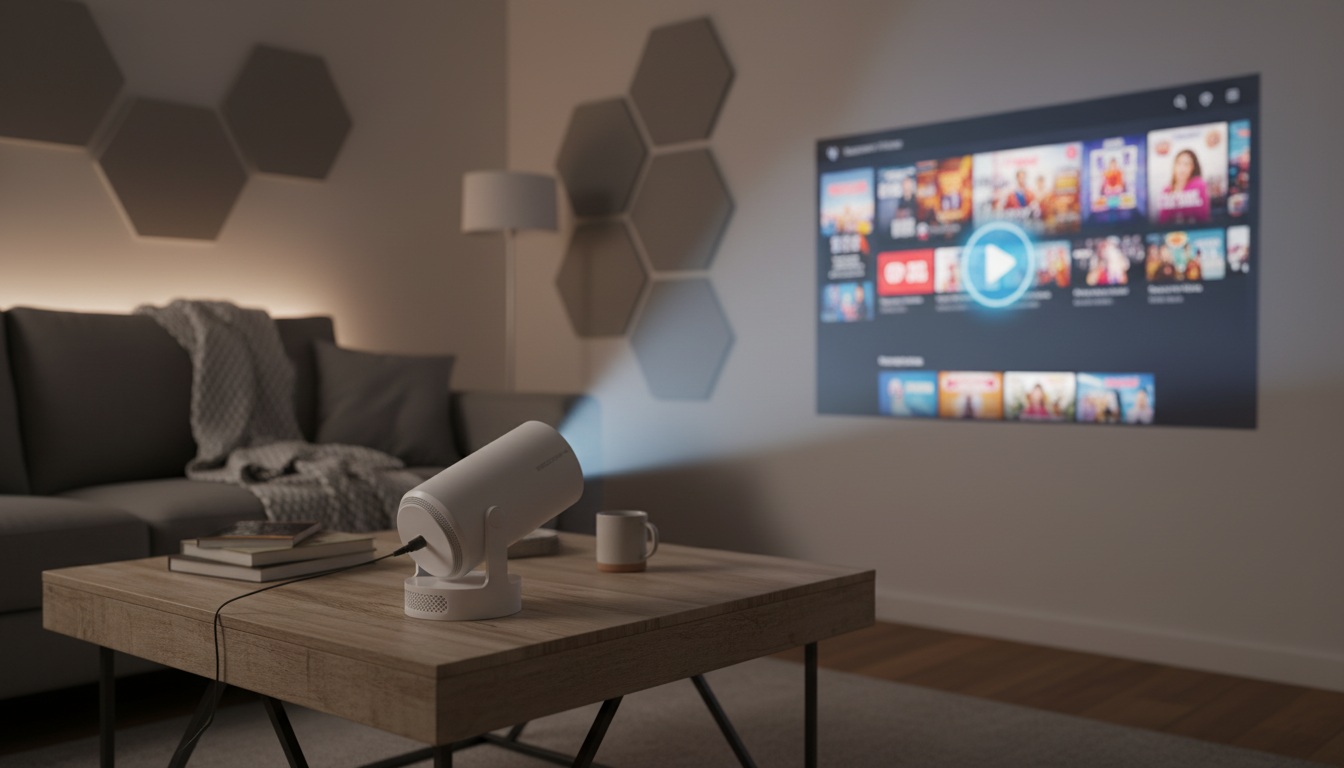
A compact projector that combines Android 11, wireless connectivity, and a travel-friendly footprint can simplify movie nights at home or outside. This guide explains what a 290 ANSI brightness rating looks like in real rooms, how to dial in focus and placement for a cleaner picture, and how to get noticeably better sound with Bluetooth—without turning setup into a weekend project.
This style of mini projector is designed to be the “easy yes” option for casual entertainment—small enough to move from room to room, yet capable enough to run apps and connect wirelessly when you want a lighter setup.
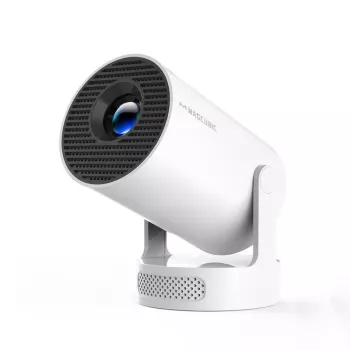
If you want a compact option that keeps gear to a minimum, see the Mini 4K Projector with Wi‑Fi, BT 5.4, and Android 11 – 290 ANSI, Compact, Outdoor & Home Theater.
Brightness is the make-or-break spec for mini projectors, and 290 ANSI lumens is most rewarding when the environment is controlled. Ambient light doesn’t just make the image “less bright”—it lowers perceived contrast, which can make details look softer even if focus is correct. For a helpful primer on how brightness ratings translate to real viewing, refer to Projector Central’s explanation of ANSI lumens.
| Scenario | Lighting | Suggested image size | Audio approach | Notes |
|---|---|---|---|---|
| Bedroom or small living room | Low to moderate | 60–100 in | Bluetooth speaker or soundbar | Close curtains and turn off overhead lights for better contrast |
| Backyard movie night | Night only | 80–120 in | Bluetooth speaker | Position projector away from dew and direct wind; keep a stable surface |
| Dorm or travel | Low | 50–90 in | Bluetooth headphones/speaker | Use a simple stand/tripod for quick alignment |
| Kids’ room or casual TV replacement | Low | 50–80 in | Built-in audio or Bluetooth | Smaller image size helps maintain brightness and clarity |
Built-in Android is best thought of as convenience: fewer boxes, fewer cables, and an interface you can navigate with the projector remote. Performance still depends heavily on Wi‑Fi quality and the apps you plan to use.
Built-in speakers on compact projectors are fine for quick viewing, but outdoor nights and larger images often need more volume and fuller sound. Bluetooth 5.4 is the simplest upgrade path, especially when running audio cables is inconvenient. For a technical overview of Bluetooth versions and profiles, see the Bluetooth SIG specifications portal.
Even with Android built in, your best picture and smoothest navigation may come from a dedicated streaming stick, game console, or media player over HDMI—especially for heavier apps or faster interfaces. For general cable guidance and compatibility information, see the HDMI specification hub.
For cord-free backyard setups, pairing a projector with a compact power solution can keep placement flexible. Consider the Portable 200W Solar Generator with AC Outlet & USB Ports for powering movie nights away from the house.
It works best after sunset or in very dark conditions. Keep the image size moderate and reduce nearby light sources to improve contrast and perceived clarity.
Android 11 supports app-based streaming when compatible apps are available in the projector’s app environment. A strong, stable Wi‑Fi connection helps reduce buffering and keeps playback smoother.
Pair a Bluetooth 5.4 speaker and place it near the audience for clearer dialogue and more consistent volume. If lipsync feels off, try a different Bluetooth speaker or switch to a wired option when available.



Leave a comment