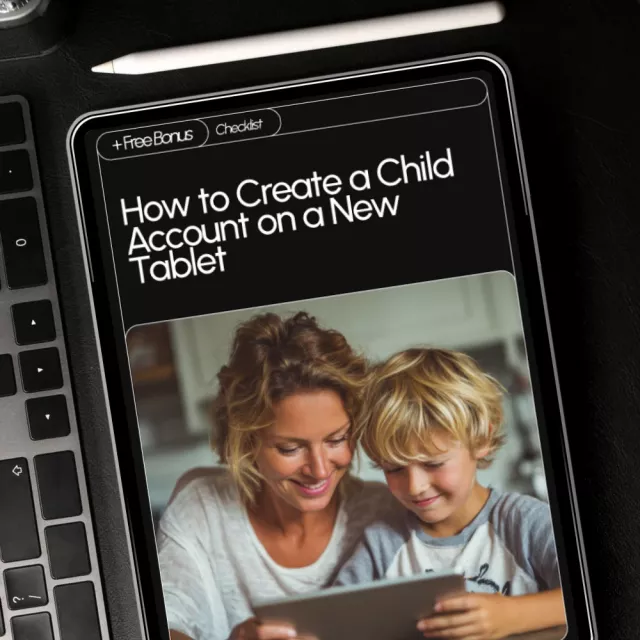
Setting up a child-friendly tablet doesn’t have to be confusing or stressful. Our How to Create a Child Account on a New Tablet checklist guides you through every step, making it simple to protect your child while letting them explore technology safely. This easy-to-follow digital download walks you through picking the right account system, creating a child profile, enabling parental controls, and customizing a fun and secure tablet experience. Perfect for busy parents, guardians, or caregivers who want peace of mind while giving kids the freedom to learn and play.
This digital checklist is designed for parents, guardians, and caregivers who want to learn how to create a child account on a new tablet safely and efficiently. Whether you have an Apple, Google, or Amazon tablet, this guide ensures you implement the best parental controls, screen time management, and content restrictions while customizing a fun experience for your child.
Unlike generic guides or long manuals, this checklist is concise, actionable, and organized in phases. It combines traditional parental controls with practical tips and AI assistance, giving you a complete toolkit for modern digital parenting. You’ll not only set up your child’s account correctly but also avoid common mistakes and feel confident in your setup.
Stop guessing and start protecting your child today. Download the How to Create a Child Account on a New Tablet checklist now and take the stress out of tablet setup. With step-by-step instructions, safety tips, and AI guidance, you’ll have a secure, personalized, and fun digital experience ready in no time. Click “Download” and make your child’s tablet both safe and enjoyable!
All orders can be cancelled until they are shipped. If your order has been paid and you need to make a change or cancel an order, you must contact us within 12 hours. Once the packaging and shipping process has started, it can no longer be cancelled.
Your satisfaction is our #1 priority. Therefore, you can request a refund or reshipment for ordered products if:
We do not issue the refund if:
*You can submit refund requests within 15 days after the guaranteed period for delivery (45 days) has expired. You can do it by sending a message on Contact Us page
If you are approved for a refund, then your refund will be processed, and a credit will automatically be applied to your credit card or original method of payment, within 14 days.
If for any reason you would like to exchange your product, perhaps for a different size in clothing. You must contact us first and we will guide you through the steps.
Please do not send your purchase back to us unless we authorise you to do so.
Your files will be available to download once payment is confirmed.
There are no reviews yet