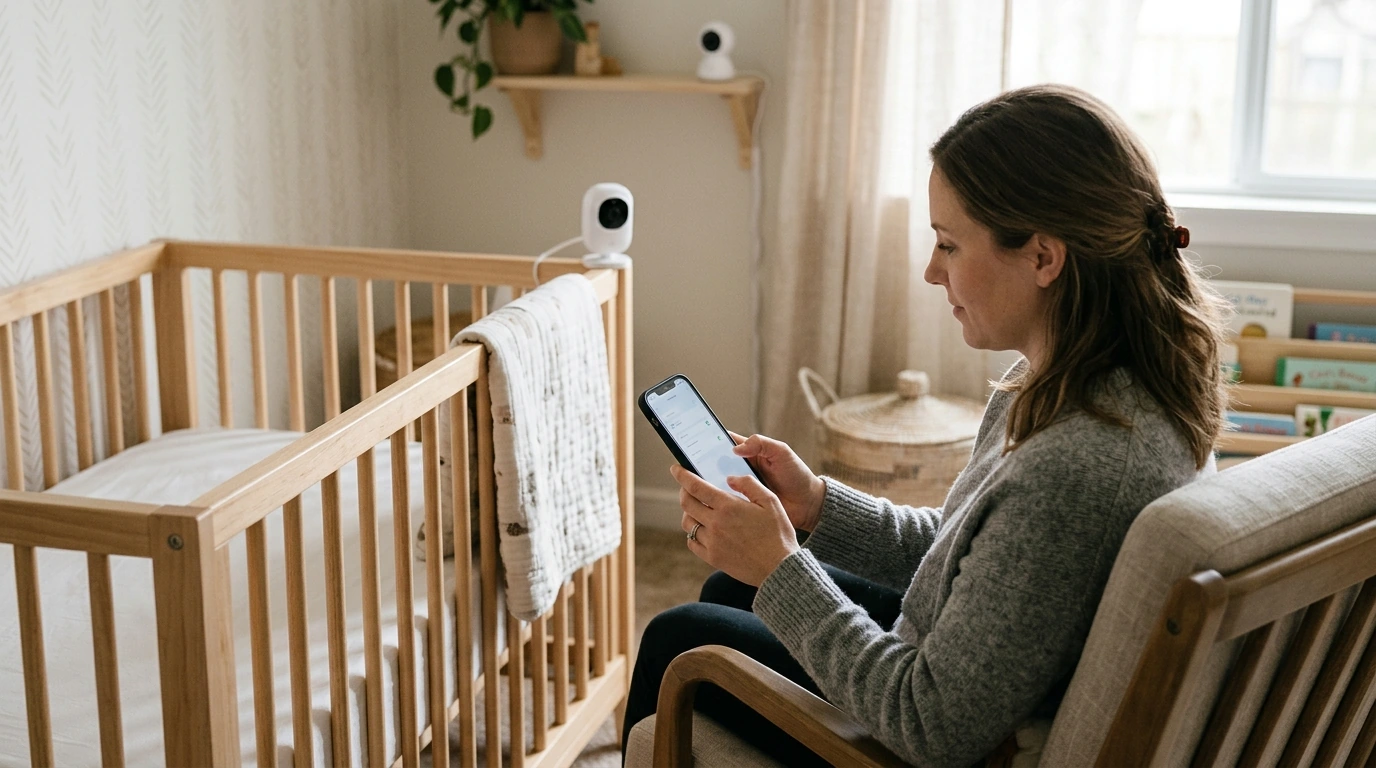
A baby monitor can offer reassurance, but its camera, app, and network settings deserve a privacy check. Our Baby Monitor Privacy Patrol is a $2.99 checklist for families who want a practical starting point for securing a monitor and protecting their privacy.
A privacy review does not have to mean changing every setting at once. Start by identifying how your monitor connects, who can use it, and where its recordings go. Then work through the settings you can control and make a note to revisit them when your household’s needs change.
Baby monitors differ. Some connect to an app and Wi-Fi, while others use a dedicated parent unit. Available features and security controls vary by model, so use your manufacturer’s instructions for device-specific steps. No checklist or individual setting can guarantee complete privacy, but a regular review can help you manage access more deliberately.
If your monitor uses an online account, give it a long, unique password that you do not use elsewhere. A password manager can help you create and store one without relying on a familiar phrase or a reused login. The Cybersecurity and Infrastructure Security Agency offers more guidance on using strong passwords.
Turn on multifactor authentication if the monitor service offers it. This adds another verification step when someone signs in. Keep the recovery information for your account current, too, so you can regain access if you change phones or lose a password.
Your home network matters as well. Change the router’s default administrator credentials, use current Wi-Fi security settings supported by your equipment, and keep the router’s software updated. The Federal Trade Commission’s guide to securing your home Wi-Fi network explains these steps in more detail.
Look at the accounts and devices that can view the live feed. If you shared access with a caregiver or family member, confirm that the person still needs it. Remove unused accounts or invitations rather than leaving access open indefinitely.
Next, review the features your monitor offers. You may be able to turn recording or cloud storage on or off, adjust microphone settings, or choose which notifications you receive. The right choices depend on your household: for example, you might value alerts while deciding that stored video is unnecessary. Check whether a setting affects live monitoring before changing it.
Finally, look at the camera view. Aim it at the area you need to monitor without capturing more of your home than necessary. Recheck the view if you move furniture or relocate the monitor, and follow the manufacturer’s placement and safety instructions.
| Area | Action | When to revisit |
|---|---|---|
| Account | Use a unique password and enable multifactor authentication if available | After a password reset or access change |
| Software | Install available monitor, app, and router updates | When updates become available |
| Access | Review shared users and remove anyone who no longer needs access | When caregivers change |
| Privacy settings | Review recording, storage, and camera coverage | After setup or a room change |
Privacy settings are worth revisiting after you replace Wi-Fi equipment, add a caregiver, or update the monitor app. Updates can introduce new controls or change where familiar settings appear. Check for available updates to the monitor itself, its app, and your router, following each manufacturer’s instructions.
Pay attention to unfamiliar account activity, unexpected setting changes, or access you cannot explain. These signs do not necessarily establish what happened, but they are worth investigating promptly.
If you suspect someone has accessed your monitor account without permission, change its password, review authorized users and devices, and contact the manufacturer’s support team. If you reused that password elsewhere, change it on those accounts too. Keep a record of anything unusual so you can describe it to support.
Our team offers Baby Monitor Privacy Patrol for $2.99 as an option if you want a checklist to guide your review. It can help you organize the work; your monitor’s instructions remain the source for model-specific controls. Review the product page before purchasing to decide whether it fits your needs.
View Baby Monitor Privacy Patrol.
If you are also looking for support with a different daily routine, our Calm at Work digital guide and checklist focuses on managing stress and improving focus at work. It is separate from the baby monitor privacy checklist.
Before choosing, compare the product details with your daily routine, available space, care needs, and preferred setup. The strongest option is usually the one that fits the intended use clearly and remains simple to clean, store, and check before repeat use.
Review them during setup and revisit them after updates, network changes, or changes to who needs access.
No. Availability depends on the manufacturer and service; check your account security settings and the manufacturer’s instructions.
No. A checklist can help organize security steps, but ongoing updates and careful account management remain important.





Leave a comment