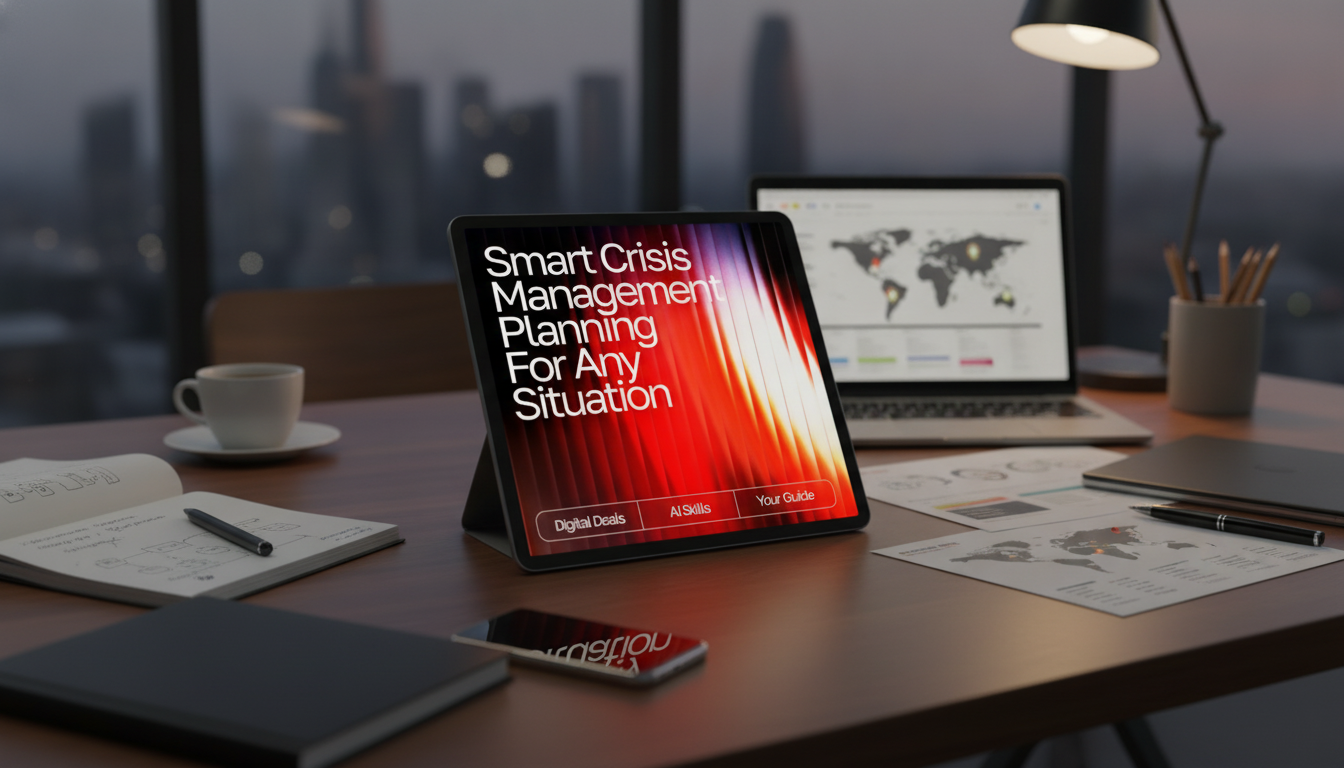
A solid crisis plan reduces confusion, speeds up decisions, and protects people, operations, and reputation. An AI-enhanced approach helps organize information fast, draft scenario playbooks, and stress-test responses—while still keeping human judgment, accountability, and compliance at the center. The goal is a practical, repeatable crisis management plan that works across many situations and can be maintained with minimal effort.
“Smart” crisis management starts with defining what actually counts as a crisis for your organization. That means setting impact thresholds for safety, operational disruption, legal exposure, financial loss, and brand harm—so leaders don’t waste time debating severity while the situation escalates.
From there, smart planning clarifies objectives: protect life, maintain critical services, communicate accurately, recover quickly, and capture lessons learned. It also creates a single source of truth where teams can find roles, contact lists, decision rights, and approved messaging without hunting through folders and email threads.
Finally, smart plans are built for uncertainty. Instead of locking teams into a rigid script, they provide adaptable playbooks that support fast decisions as facts change. AI can accelerate drafting and scenario exploration, but responsibility stays with accountable leaders and policy owners.
A resilient plan is more than a binder—it’s a working system. The essentials below help teams move from “What’s happening?” to “Here’s what we’re doing next” quickly and consistently.
Define the core team and backups: incident commander, executive sponsor, legal/compliance, HR, operations, IT/security, communications, and facilities. Make decision rights explicit (who can shut down systems, authorize spend, approve statements, and engage outside counsel).
Use measurable triggers and clear escalation rules: when to activate the response team, who gets notified, and the required timeline. This reduces delays, especially across time zones or shift-based operations.
Document priorities (safety first, regulatory obligations, protecting critical services), risk acceptance boundaries, and the expectation that decisions are recorded with rationales. This creates continuity across rotating leaders and supports post-incident review.
Create step-by-step actions for the first hour, first day, and first week. Time-boxed checklists prevent teams from missing basics such as safety checks, evidence preservation, or stakeholder notifications.
Plan staffing, vendors, backups, alternate work arrangements, and critical dependencies. Close the loop with recovery timelines, metrics, and after-action reviews that turn findings into owned improvements.
AI is most valuable when it reduces busywork: drafting role descriptions, structuring playbooks, summarizing long policies into action cards, and generating drill scripts. The controls that matter are verification, approvals, and data handling discipline.
Practical ways to use AI safely and effectively include:
| Plan area | What to generate with AI | Human checks before use |
|---|---|---|
| Scenario playbook | First-hour checklist, key decisions, escalation steps | Confirm roles, local procedures, and legal/compliance requirements |
| Communications | Holding statements, FAQs, internal updates | Validate facts, approvals, and audience-specific constraints |
| Risk assessment | Impact matrix draft, dependency mapping questions | Verify with subject-matter experts and current asset inventory |
| Training & drills | Tabletop exercise scripts and injects | Ensure realism, safety, and alignment with actual capabilities |
| After-action review | Lessons-learned structure and improvement backlog | Confirm accuracy, owners, deadlines, and budget impact |
Monitor major channels for misinformation and customer impact, then correct with verified updates and timestamps. For broader preparedness guidance, align household and workplace steps with Ready.gov’s planning recommendations, and consider structured response roles informed by FEMA’s National Incident Management System (NIMS).
For teams that want a structured, editable starting point, Smart Crisis Management Planning for Any Situation (Digital Download) includes fill-in frameworks for crisis levels, roles, escalation paths, and scenario playbooks, plus AI-ready prompt sets designed for verification and tailoring.
To support real-world resilience beyond documentation, consider practical continuity tools such as a Portable 200W Solar Generator with AC Outlet & USB Ports for keeping essential devices powered during outages. And because sustained readiness depends on clear thinking under pressure, Calm at Work: Smart Strategies to Manage Stress and Boost Focus (Digital Guide) can help leaders and teams build habits that reduce cognitive overload during high-stakes events.
AI can accelerate drafting role descriptions, checklists, communication templates, and drill scenarios, but leaders still verify facts, choose tradeoffs, and approve actions. The final plan—and every external statement—should reflect human accountability and documented decision rights.
It should define activation triggers, how to assemble the response team, and a fast situational assessment process, including immediate safety actions. It also needs an initial internal message and a clear cadence for the next update so people know when to expect verified information.
It can be safe if you use approved tools, minimize sensitive inputs, and keep an audit trail of drafts, approvals, and final statements. When systems are down or data is highly restricted, rely on offline playbooks and authoritative internal sources rather than sharing sensitive details with unapproved services.






Leave a comment