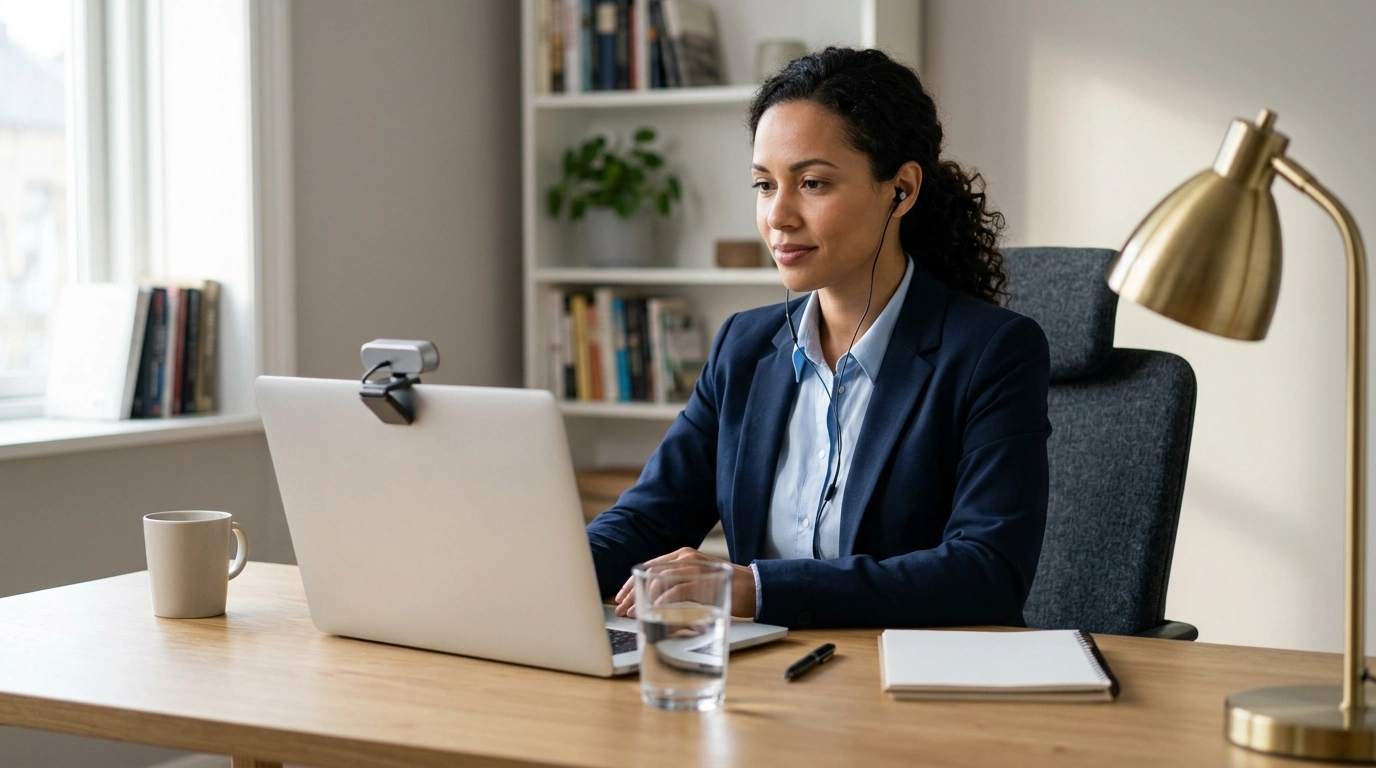
Video interviews reward clear communication, calm energy, and a setup that makes it easy for the interviewer to focus on the conversation—not the tech. Use the plan below to prepare your space, your story, and your mindset so you can show up composed and credible from the first question to the final close.
On-camera confidence is less about having a “perfect” personality and more about being easy to follow and pleasant to listen to. In practice, it shows up as a few repeatable behaviors:
If you want a deeper dive into modern interview expectations and best practices, resources like Harvard Business Review and SHRM cover what hiring teams commonly look for.
A great answer can get lost behind echo, shadows, or a shaky camera. Do a quick setup pass with “audio first” as your rule of thumb—people will forgive a slightly imperfect picture, but not unclear sound.
| Element | Goal | Fast Fix |
|---|---|---|
| Audio | Voice is crisp and consistent | Use wired earbuds or a simple USB mic; close doors and soft-furnish the room |
| Lighting | Face is evenly lit | Place a lamp in front of you or face a window; turn off harsh overhead lights |
| Camera | Eye-level, stable framing | Stack books under laptop; use a stand; avoid handheld phone video |
| Background | Clean, non-distracting | Use a plain wall; remove clutter; avoid busy virtual backgrounds |
| Internet | Stable call quality | Switch to Ethernet; pause downloads; keep video apps closed |
Confidence is easier when your body isn’t stuck in “rush mode.” A short routine can lower adrenaline just enough to keep your voice steady and your expression friendly.
For a structured, repeatable routine you can print or reuse across multiple interviews, keep a one-page guide handy like Lights, Camera, Confidence! – Video Interview Checklist (digital download). Pairing a checklist with a calm-down routine reduces overthinking on busy interview days.
Prepared answers don’t need to feel memorized. The goal is to make each response easy to follow and easy to remember.
If you want additional guidance on video interview habits that improve clarity, the Indeed Career Guide has practical tips that align well with this “structured, not scripted” approach.
For interviews during a stressful season (tight timelines, multiple applications, work deadlines), a simple stress-management plan can help you stay steady between calls. Calm at Work: Smart Strategies to Manage Stress and Boost Focus is a practical companion for keeping your focus sharp without running your energy into the ground.
| Time | Do This | Why It Helps |
|---|---|---|
| T-30 | Open meeting link, update app, restart device if needed | Prevents last-minute tech friction |
| T-25 | Test mic/camera, check lighting, confirm framing | Locks in a professional look and sound |
| T-20 | Set water, notepad, and a copy of the job description nearby | Reduces fidgeting and searching on screen |
| T-15 | Breathing reset + quick voice warm-up | Steadies pace, volume, and tone |
| T-10 | Review 3 core stories + 3 questions to ask | Keeps answers focused and relevant |
| T-5 | Silence notifications, close extra tabs, join early | Avoids interruptions and conveys reliability |
Aim at the camera when delivering key points to simulate eye contact, and glance at the screen naturally when listening. If possible, place the interview window close to the camera so your eye shifts look minimal.
Most answers land best in about 60–120 seconds. Use a clear structure (headline → example → outcome) and stop once the point is proven so you don’t drift into rambling.
Rejoin immediately, apologize once briefly, and continue where you left off. Have a backup ready (hotspot or dial-in) and keep the interviewer’s contact details accessible before the call.





Leave a comment