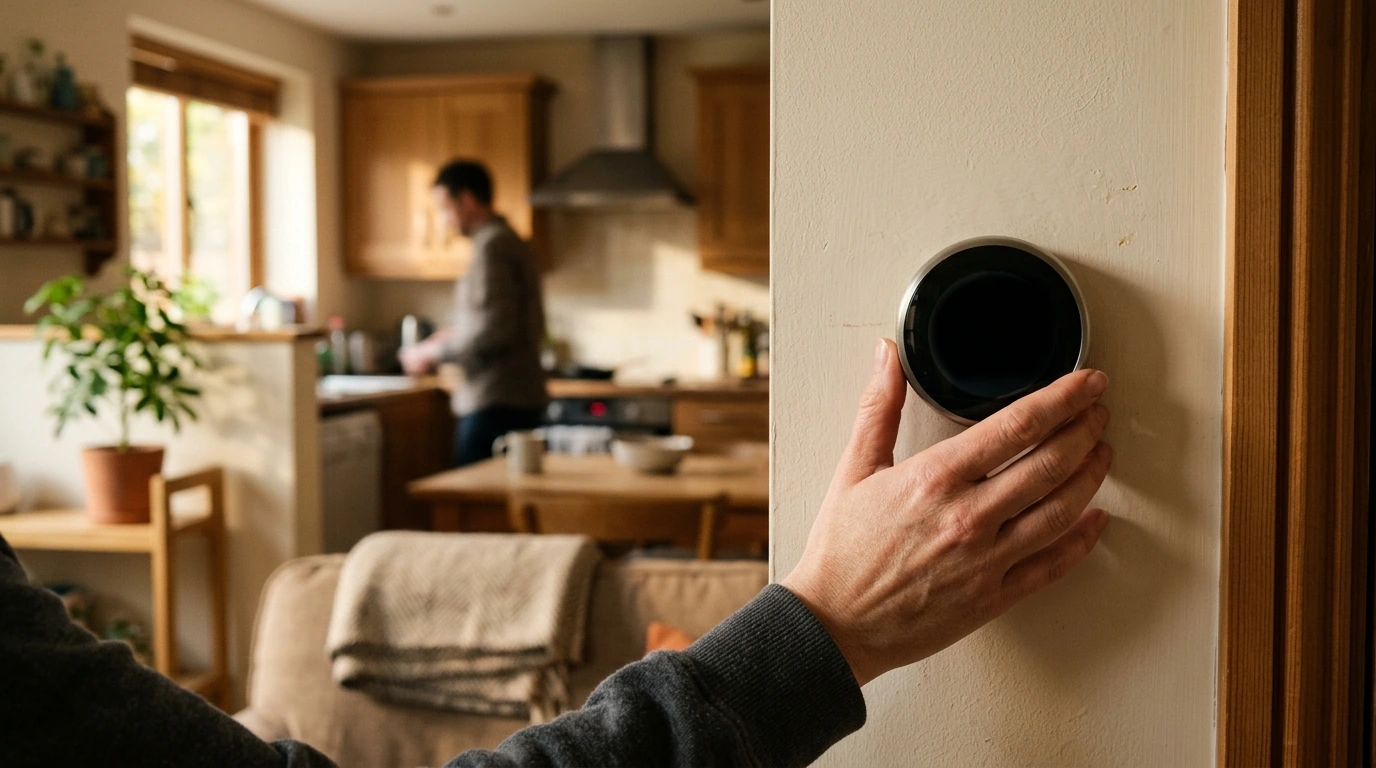
AI-powered gadgets are moving from “nice to have” to genuinely useful—helping with planning, safety, comfort, and everyday efficiency. The best devices don’t just add new buttons or voice commands; they reduce friction in real routines, make better guesses over time, and still let you stay in control. Below, our team breaks down what “AI-powered” really means, which future-facing gadgets are worth watching, and how to choose smart tech that feels like an upgrade instead of a project.
“AI” shows up in daily devices in a few practical ways, and knowing the difference helps you avoid paying extra for features that don’t actually adapt.
On-device AI can be faster and more private because processing happens locally. Cloud AI can be more capable, but it depends on internet reliability and the vendor’s data policies—so outages and account changes can matter more than you expect.
Useful AI learns your routines (wake time, commute patterns, preferred temperature) and adjusts accordingly—ideally with clear controls you can undo. Context awareness comes from sensors like motion, sound, temperature, and location, but the device should be able to show what triggered an action so it never feels “mysterious.”
Rules are predictable (“turn on the porch light at sunset”). AI suggestions can reduce setup time (“it looks like you turn this on around 7pm—want to automate it?”). The best systems make suggestions transparent and easy to decline, with a quick manual override when you just want things to stop.
| Capability | Everyday use | What to look for before buying |
|---|---|---|
| Voice + language features | Hands-free reminders, quick summaries, translation | Multiple wake words, voice match, mute switch, data deletion controls |
| Vision + detection | Package alerts, elder-safety checks, inventory tracking | Local processing options, adjustable sensitivity, clear event logs |
| Predictive automation | Lights/thermostat scenes, commute-based routines | Manual override, “why this happened” explanations, exportable rules |
| Health and wellbeing coaching | Sleep coaching, posture nudges, focus timers | Evidence-based settings, adjustable intensity, not a substitute for medical care |
| Security and identity | Device access control, anti-fraud checks | Regular updates, MFA support, encrypted storage, transparent vendor policies |
A key warning sign: “AI” that’s basically a timer or remote control—no adaptivity, no meaningful update path, and no data controls.
The most promising AI gadgets aren’t the loudest. They’re the ones that quietly reduce mental load.
Expect smaller, quieter assistants that coordinate calendars, household tasks, and “what’s next” planning without constant prompts. The practical win is fewer interruptions: you ask less often because the system gets better at surfacing the right nudge at the right time.
Wearables are shifting from raw stats to “weekly actions.” Instead of dozens of charts, you’ll see a small set of recommendations—like adjusting training load, improving sleep consistency, or choosing lower-stress meeting blocks—based on patterns over time.
Thermostats, plugs, and appliances are getting better at learning schedules and trimming waste. The best versions quantify savings, explain why a change was made, and still let you set a manual schedule that works even when the cloud is unavailable.
Fall detection, smoke/CO anomaly alerts, and unusual-activity monitoring are most valuable when notifications are customizable and include escalation options (who gets alerted, when, and what counts as urgent).
Meal planning and shopping automation get genuinely helpful when they match your real grocery workflow—your preferred store, your household allergies, and your “default” staples—without turning every meal into a data entry chore.
For broader guidance on trustworthy AI practices and marketing claims, you can also reference the NIST AI Risk Management Framework, the OECD AI Principles, and the FTC guidance on AI claims.
Not always: on-device features can work locally, while many advanced tools (big language features, remote access, syncing, and some detection) depend on cloud services. If outages are a concern, choose devices with offline basics and clear, predictable behavior when the internet drops.
Use physical mute switches and camera covers where available, tighten data retention, and enable local processing options when offered. Add strong passwords and MFA, create guest profiles when needed, and periodically review permissions so devices only access what they truly require.
Start with one high-value routine like reminders, a thermostat schedule, or simple smart lighting—then keep automations minimal. Compatibility, manual overrides, and disciplined notifications matter more than piling on features.






Leave a comment