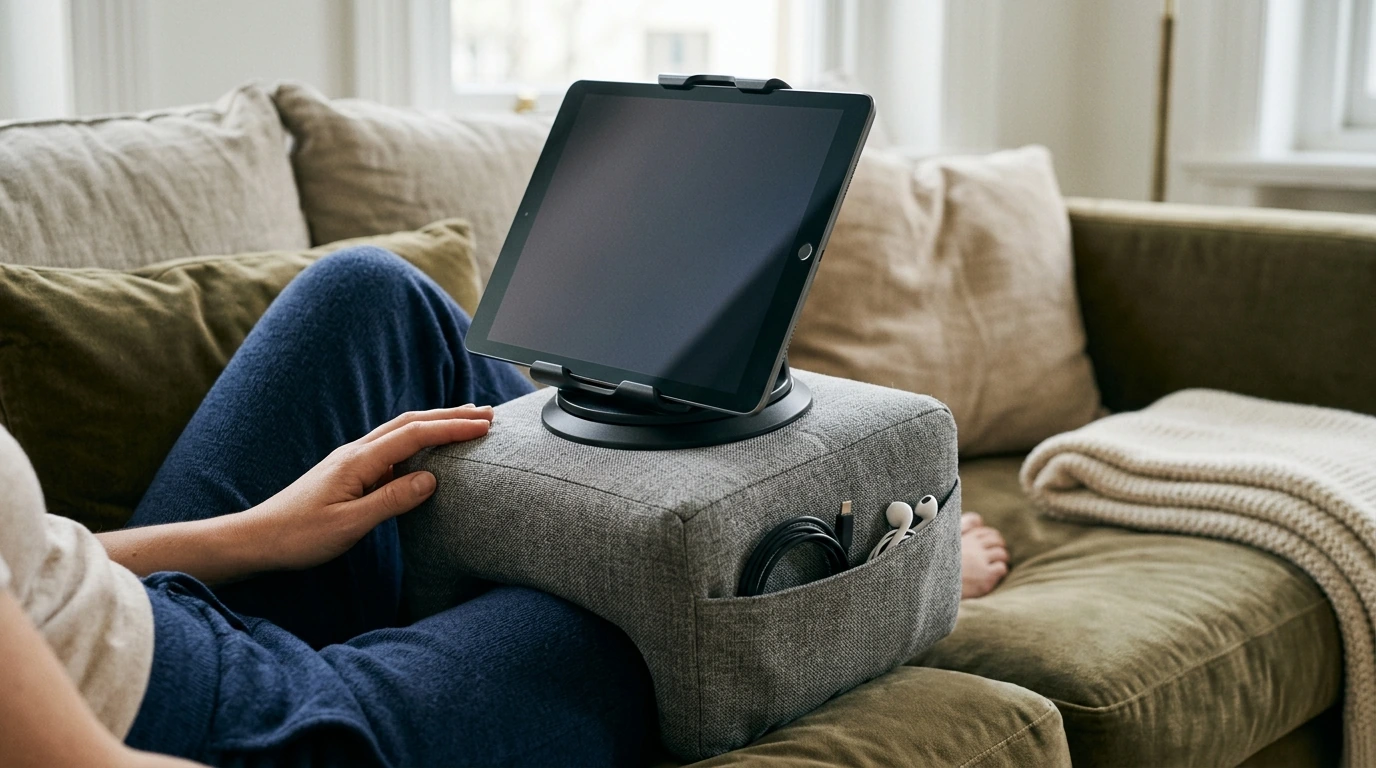
Comfort shouldn’t mean compromising on stability. Our Pillow Stand with Storage & 360° Rotating Holder for Phones, Tablets & Laptops pairs a soft, lap-friendly base with a rotating holder and built-in storage, helping you keep your screen at a more usable angle while keeping small essentials close. Whether your day is work calls, streaming, studying, or casual browsing on the couch, our team designed this style of setup to reduce the constant “shuffle-and-balance” routine that happens on blankets, cushions, and knees.
Soft surfaces are cozy, but they’re not naturally device-friendly. When your device is perched on a pillow stack or tilted on your legs, it’s easy for it to slide, wobble, or force your neck downward. A pillow stand creates a more reliable base so you can tap, scroll, or watch without re-centering your screen every few minutes.
One of the most practical perks of a rotating holder is that you can re-aim your screen while keeping the base stable on your lap or beside you. That means less shifting, fewer “oops” moments, and faster adjustments when your environment changes.
Small accessories have a habit of disappearing into couch cushions, bedside clutter, or the “somewhere safe” zone you can’t remember later. Built-in storage gives those everyday items a defined home, which makes starting (and pausing) your routine smoother.
If you bounce between rooms, seats, and tasks, a pillow stand can act like your “mobile station.” You get a consistent angle and a small storage zone, even when your location changes.
A comfier setup is still worth dialing in. Small tweaks—especially your neck angle and cable routing—can make longer sessions feel noticeably easier. For deeper workstation guidance, you can also reference OSHA’s Computer Workstations eTool and ergonomics resources from Harvard Health Publishing.
| Use case | Suggested orientation | Storage ideas |
|---|---|---|
| Video calls | Rotate to center the camera; adjust to reduce glare | Earbuds, charging cable, small notepad |
| Streaming / binge watching | Landscape; rotate toward seating position | Remote, cable, timer (small) |
| Reading / scrolling | Portrait; rotate as you shift sides | Stylus, glasses cloth |
| Light laptop work | Angle for comfortable viewing; take wrist breaks | Adapter, cable tie |
Yes—360° rotation makes it easy to switch between portrait and landscape while keeping the base in place. It’s also helpful when you want to re-aim the screen toward a different seat position without shifting your whole setup.
Lightweight daily essentials work best, like charging cables, earbuds, a stylus, a remote, or a glasses cloth. For stability, keep heavier items (like bulky chargers or power banks) elsewhere.
It can be a solid option for lighter laptop tasks like emails, edits, and short work sessions, especially when you take wrist breaks and keep a comfortable viewing angle. For long typing sessions, a dedicated desk setup is usually more supportive, and you’ll also want to avoid blocking laptop vents.

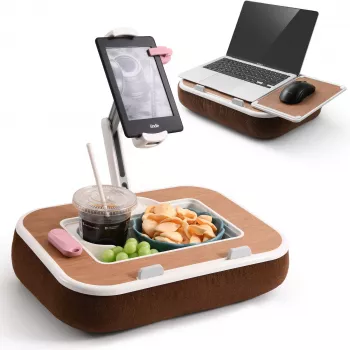
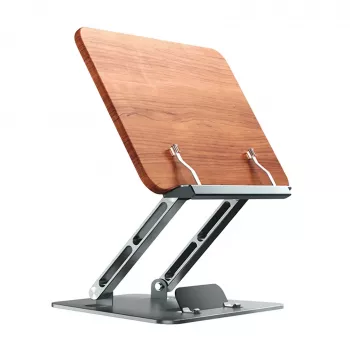
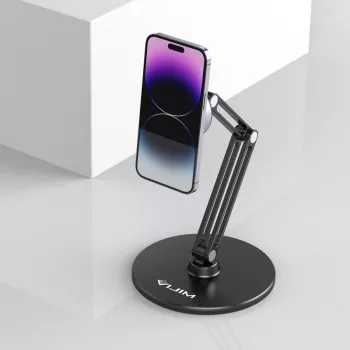

Leave a comment